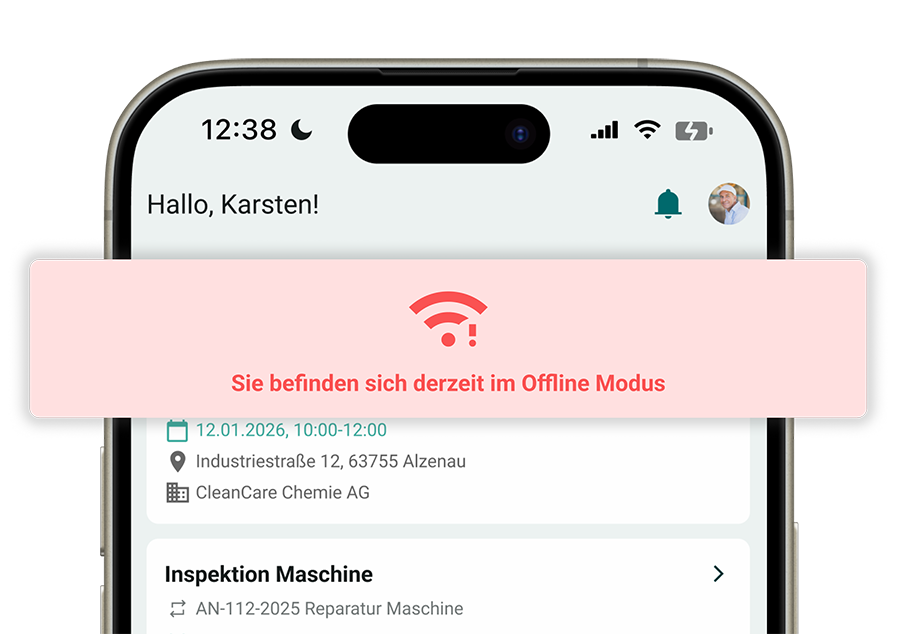
SIMPL wasn’t built for office users with large monitors and stable Wi-Fi connections. It was developed for use right at the machine. Technicians use these features every day:
Fill out checklists and forms on the go Maintenance logs, commissioning checklists, inspection reports—all digital, on a tablet or smartphone. Fields are assigned to the correct machine, required fields are validated, and the report is immediately saved in the system.
Attach photos and images directly: Photograph damage, take a picture of the meter reading, document the condition before and after maintenance. Images are directly assigned to the job and the machine—no need to search through the gallery for photos.
Scan the QR code on the machine Scan the QR code, open the machine file, create a service request, or start a form—all in one step. The technician doesn’t have to search for a serial number or scroll through a dropdown menu.
Record voice memos Not every detail can be typed quickly. Voice memos can be saved directly with the job—for office staff, for documentation, or as a basis for the service report.
Record GPS location The technician’s location is recorded—for job documentation, route optimization, and proof of when the technician was on-site.
Digital Signature Customers sign directly on the tablet—whether it’s the service report, the acceptance report, or the time sheet. No paper, no scanning, no back-filling in the office.
Create service reports on the go The technician creates the service report immediately after the job—on the tablet in the van or at the customer’s location. All recorded data (checklists, photos, times, signature) is automatically included. The report is ready before the technician drives off.
Translated with DeepL.com (free version)