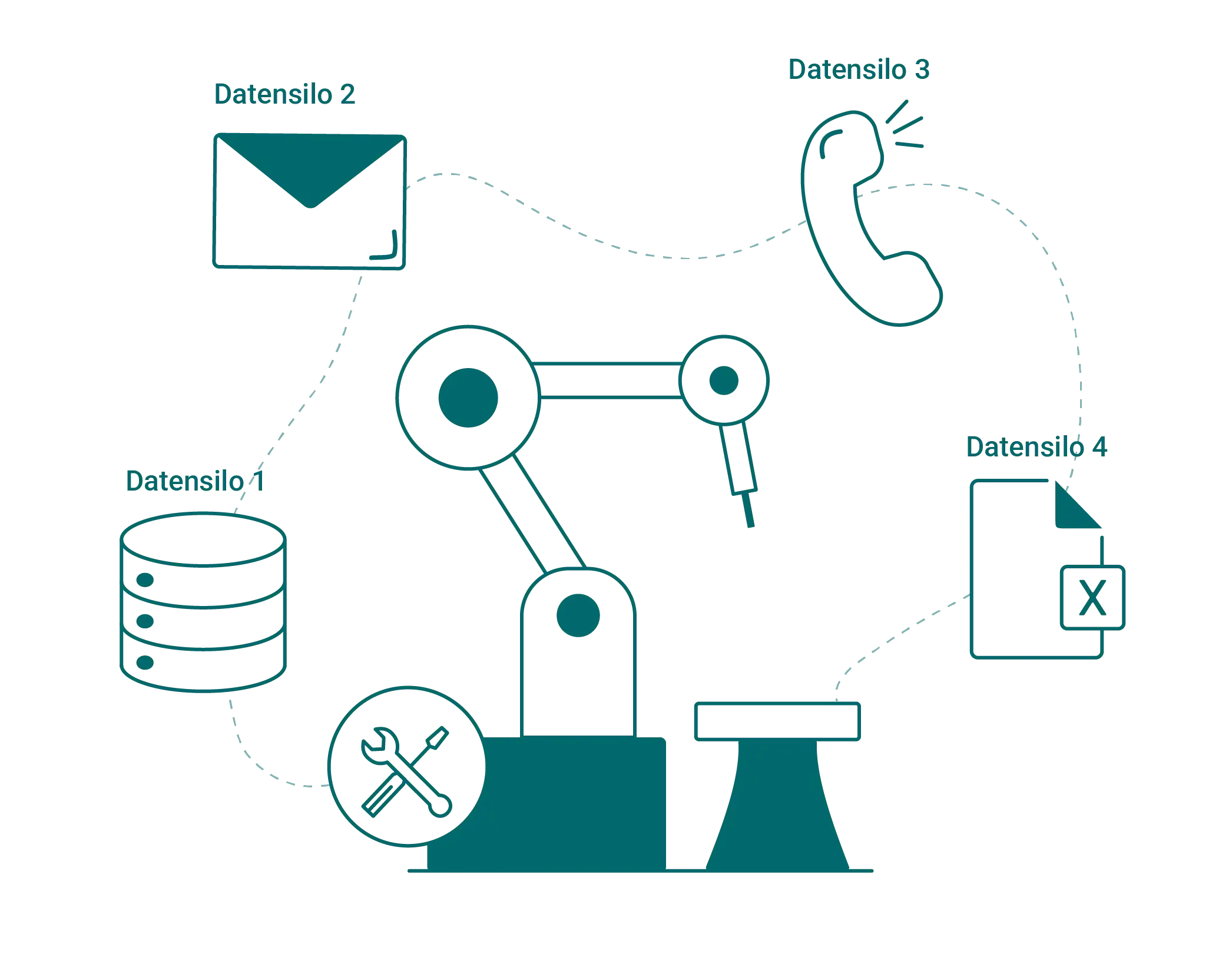
Problems are reported by phone, on slips of paper, or through the office grapevine. Maintenance tasks pile up, and knowledge about the systems is locked away in people’s heads.
Maintenance Software (CMMS)
Efficiently plan, perform, and document maintenance and repairs
With SIMPL’s CMMS maintenance software, you can plan and document maintenance centrally and digitally. You’ll reduce downtime, automate processes, and increase equipment availability. This allows you to keep track of all maintenance schedules, tasks, and inspection procedures at all times.



The plant is up and running, and the maintenance crew is notified by shout

Reporting issues by phone, note, or by going to the terminal
Maintenance tasks pile up until the system makes a decision
What helped last time isn’t written down anywhere
No Key Metrics: The Most Costly Problem Child Remains Unidentified

Centralized maintenance data, complete overview
Whether it’s a fault report, a maintenance appointment, or machine history: With SIMPL, you can access everything directly, whether you’re in the office or on the shop floor.

All issues and requests are managed centrally in the ticketing system
A history is automatically generated for each facility
Mobile data entry: forms, photos, times—even offline

"
Since the introduction of SIMPL, we have been systematically tracking our machines and equipment in the annealing technology sector. As a result, we now have complete transparency regarding our entire installed base— —including maintenance records. Customer inquiries can be submitted directly via the QR codes on the equipment, and the tedious task of printing out manuals is finally a thing of the past.
Ralf Bistritz
Authorized Signatory at WELDOTHERM Gesellschaft für Wärmetechnik m.b.H.
Maintenance That No Longer Plays Catch-Up
From scheduled maintenance to unexpected malfunctions: everything in one system.
Maintenance Schedules & Recurring Inspections
Scheduled Maintenance Instead of Fire Department Calls
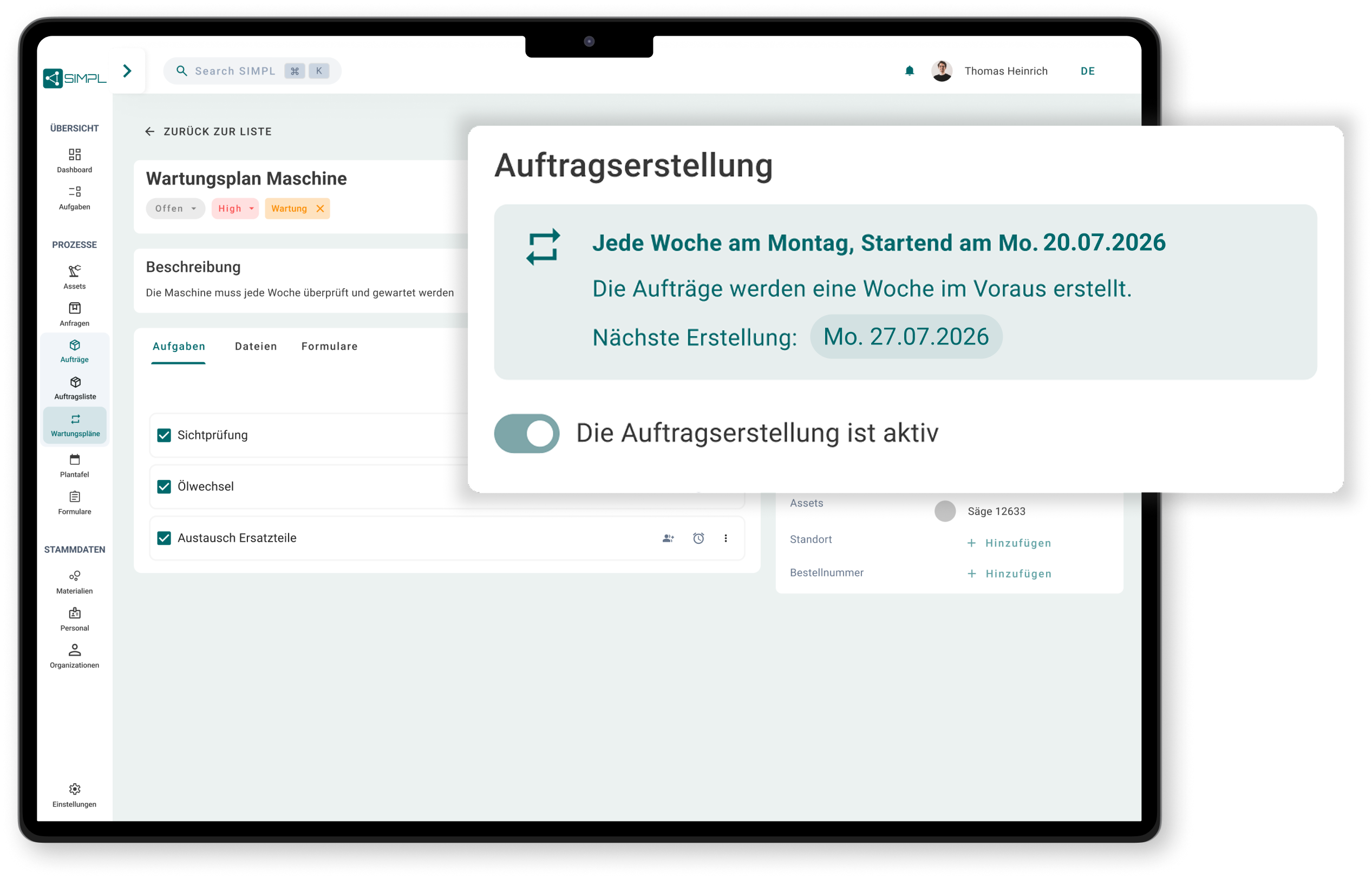
Set up maintenance schedules and inspection deadlines once: When the due date arrives, the work order is created automatically.

Intervals per system, freely configurable
Inspections (e.g., UVV) with automatic order generation
All due dates are tracked centrally, so nothing piles up unnoticed
„Jetzt erfassen wir Anfragen und Aufträge, inklusive aller Serviceberichte und Wartungsprotokolle, zentral in einer einzigen Lösung.“
QR Codes & Service Disruptions
Reported in 30 seconds, directly at the facility
Operators scan the QR code on the machine and report the malfunction by taking a photo with their cell phone. No need to go to the terminal, no need to fill out a form.
Report a problem via scan, including a photo and required fields
Every message is automatically routed to the correct system
Ticketing centralizes all reports

Mobile App
The order comes to the cell phone, not on a piece of paper
Work orders, checklists, and photos right at the job site—your maintenance technician can simply record the report.
Fill out checklists and inspection reports on the go
Reports via AI voice input instead of typing
Works offline, even in the basement and in the gym

Search History with AI
“Has this ever happened before?” Here’s the solution.
The AI searches through historical data and reports for similar issues. That knowledge remains within the company, even if the most experienced employee retires.
Find similar issues and their solutions right away
A history for each system is automatically generated as work progresses
Knowledge gained over 20 years, accessible to everyone on the team

Dashboards & Reports
No More Maintenance by Trial and Error
Fault frequency, outages, and costs per system—without having to tinker with Excel at the end of the month.
Analyze Malfunctions and Service Calls by System
Identify problem areas before they come to a standstill
Factual Basis for the Budget and Replacement Investments

ERP Integration
Your ERP remains the leader. SIMPL makes it mobile.
SIMPL doesn’t replace your ERP system; rather, it supplements it with features that terminals can’t provide: QR codes, mobile data entry, forms, and photos.

Import Master Data from SAP, Dynamics, and Other Systems
Feedback, times, and materials are returned
No duplicate data entry, no ERP replacement needed
Check out SIMPL for your own maintenance needs
In just 30 minutes, learn how fault reports, maintenance schedules, and documentation all come together in a single system.

A no-obligation consultation with our experts
Practical Ideas for Your Maintenance
Personal Contact
No preparation needed—just bring your questions
Frequently Asked Questions About Maintenance Software (CMMS)
What is a CMMS or maintenance software?
A CMMS (Computerized Maintenance Management System) is software used to plan, manage, and document maintenance. It consolidates fault reports, maintenance orders, maintenance schedules, and equipment history in one place, thereby reducing unplanned downtime and ensuring that every task is documented in a traceable manner.
Why use maintenance software instead of Excel and paper?
Excel spreadsheets and paper reports separate the information from the equipment: reports get lost, maintenance tasks pile up, and no one knows what was done last time. Maintenance software automatically links reports, work orders, and history to the correct piece of equipment and sends reminders for upcoming due dates.
What are the typical features of a CMMS?
Core features include fault reports and ticketing, maintenance schedules with automatic order generation, an asset history, digital checklists and inspection reports, mobile data collection, and analyses of faults and work efforts. SIMPL also includes AI features, such as voice-activated reports and AI-powered searches through the history.
What is the difference between preventive and reactive maintenance?
Reactive maintenance repairs equipment when the system is down. Preventive maintenance is performed according to a schedule before a failure occurs, resulting in predictable costs rather than unplanned downtime. Maintenance software shifts the balance toward preventive maintenance because maintenance schedules automatically generate work orders, ensuring that nothing falls through the cracks.
Do we need to replace our ERP system?
No. Your ERP system remains the primary system for master data and business operations. SIMPL complements it with mobile trouble tickets, QR codes, forms, and photos, and exchanges data via interfaces to ensure that nothing is entered twice.
Can machine operators report malfunctions without needing a license themselves?
Yes, using the QR code on the equipment: Operators scan it and report the malfunction with a photo and description—no need to install an app or set up a separate account. This way, reports reach the maintenance team immediately, rather than being relayed by word of mouth or on a piece of paper.
Intuitive operation that works right away
SIMPL is designed so that technicians, service managers, and workshop teams can start working with it right away—without lengthy training and without feeling overwhelmed.
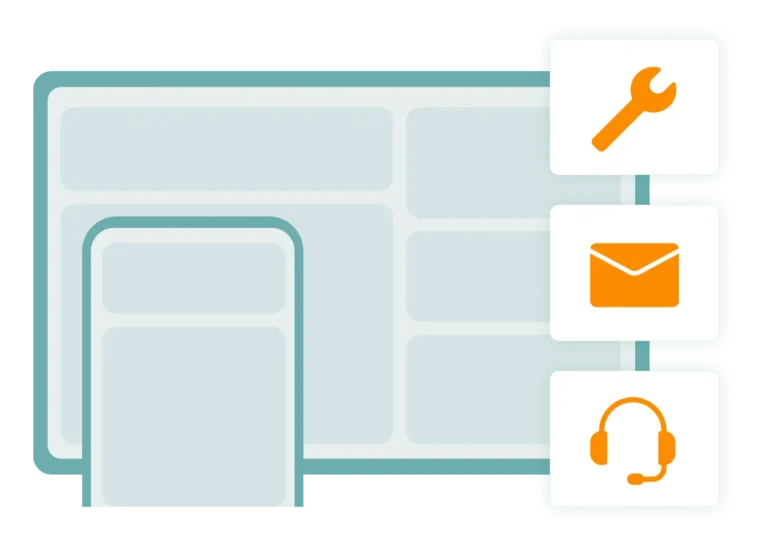
Offline Capability for Your Technicians
Technicians can enter jobs, forms, and photos entirely offline—everything syncs automatically as soon as a network connection is available again.

Made & Hosted in Germany
Your data is stored in certified German data centers. Perfect for mechanical engineering firms and industrial companies with strict compliance requirements.