Machine information sits in the office, on the server and in folders, the technician stands in the hall and the customer in front of the idle asset.
Asset management & QR codes
A QR code on every machine: files, documentation, and trouble reports, just a scan away
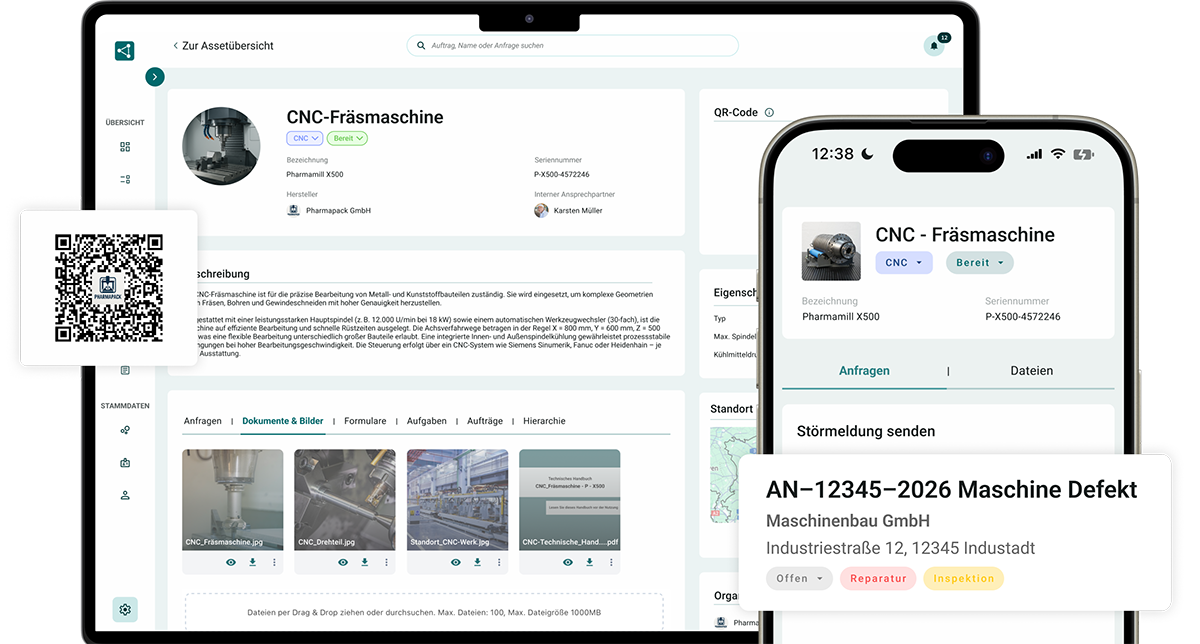
The QR code connects the machine to SIMPL: Technicians can access the service record, customers can report malfunctions, and operating instructions are available digitally with the product. No app required, no searching needed.



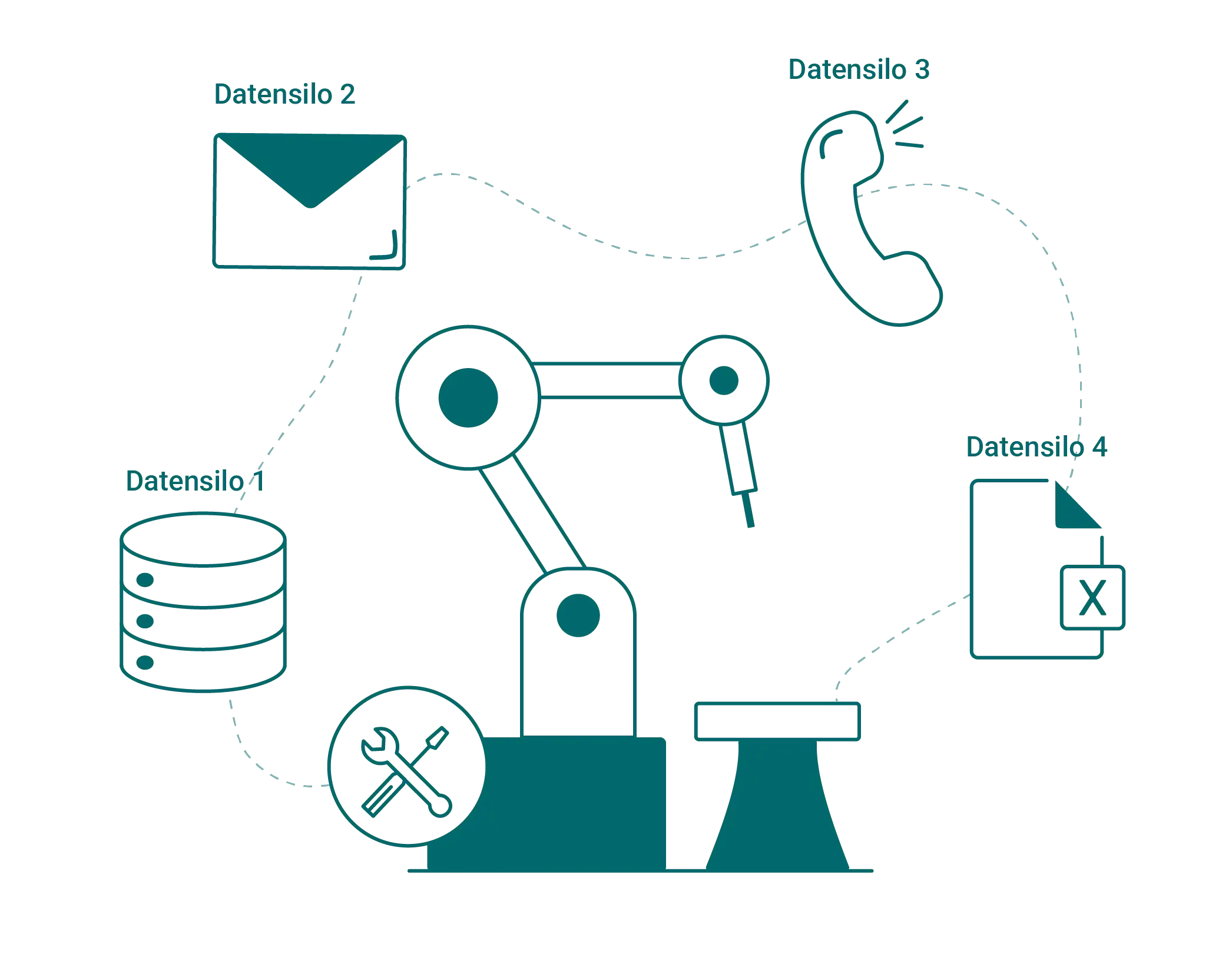
The information is there. Just not where the work happens.

Which asset is this anyway? Nameplate faded, number unclear
History and documentation are in the office, not at the machine
Reporting a fault means: a call, a note or a walk to the terminal
Manual folder at the customer’s site: gone or outdated
The machine becomes the go-to point for everything
A single scan connects people with the machine: your team with the file, your customers with your service.

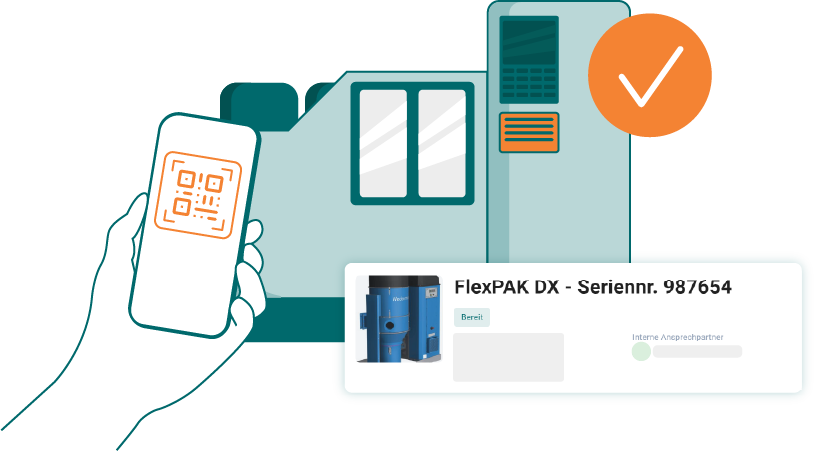
Technicians open the file via scan, without searching
Customers and operators report faults, without an app or login
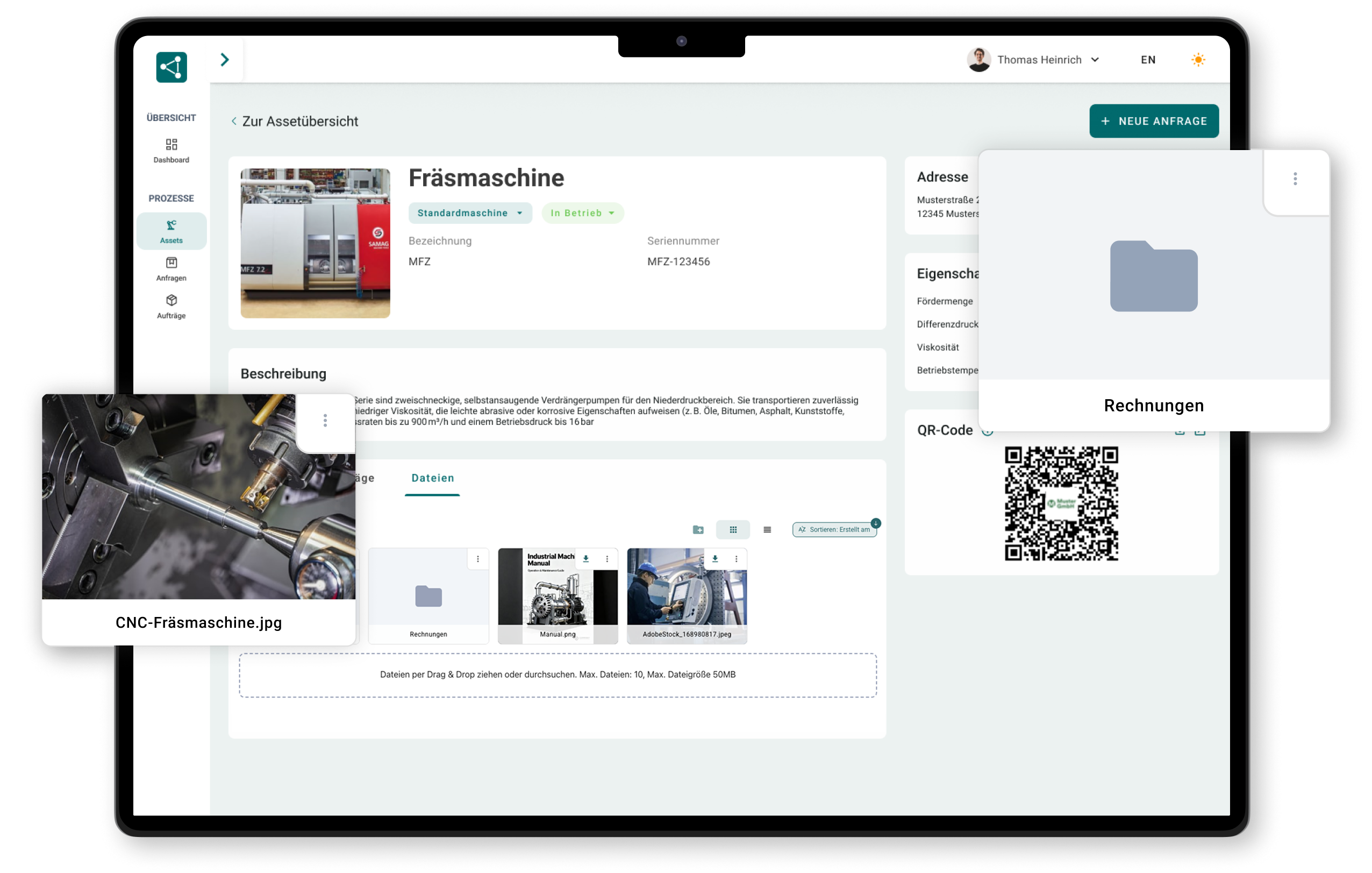
Documentation and operating manuals are attached digitally to the product

"
Since introducing SIMPL, we systematically record our machines and equipment in the field of annealing technology. As a result, we now have full transparency over our entire installed base, including the life-cycle file. Customer inquiries can be submitted directly via the QR codes on the assets, and the tedious printing of manuals is finally history.
Ralf Bistritz
Authorized officer at WELDOTHERM Gesellschaft für Wärmetechnik m.b.H.
From the label to the solved case
Label, scan, report, work: the QR code is the shortest path into your system.
The scan
A single scan opens the entire machine file
Your technician stands in front of the asset, scans and has everything: history, documents, open cases and previous solutions. No laptop, no searching, no call to the office.

Complete history: jobs, reports, photos
Documents and inspection logs directly at the machine
Open cases and responsibilities at a glance
“Customer inquiries can be submitted directly via the QR codes on the assets, and the tedious printing of manuals is finally history.”

Labeling
Generate QR codes, print, stick on, done
For every asset, SIMPL generates the matching code, even for hundreds of existing machines at once.
QR codes generated automatically per asset
Printed and attached as a label or plate
Existing assets retrofitted in days
Reporting without an app
Whoever scans, reports: even without an app
Your customer in front of their machine or your operator in production: scan, fill out the form with a photo, done. No call, no walk to the terminal.
Without an app, without a login, in the browser
Required fields and photo: the report arrives complete
Automatically lands as a ticket on the correct asset

Documentation on the code
Operating manuals ready digitally, ready for 2027
Manuals, drawings and inspection logs are attached digitally to the QR code, always in the current version.
Digital operating manuals in line with the EU Machinery Regulation
Always the current version, without reprinting
Printable and storable, as the regulation requires
Installed base
Your machines at the customer’s site, your direct line
As a manufacturer, you know which machine is where, and the QR code leads your customers to you, not to a third-party provider.
Installed base with location and history at a glance
Inquiries and spare parts orders land with you
After-sales business that sticks to the product

The rollout
Rolled out in days, not in months
QR asset management is not an IT project: import assets, print labels, attach them. From the first scan, every machine is more useful than before.

Create assets via Excel import, in hours instead of weeks
Stable URLs: the code stays valid, even in ten years
A personal point of contact accompanies the rollout
See what a scan would open up for you
Find out in 30 minutes how your machines get QR codes and what technicians, operators and customers do with them.

A no-obligation conversation with our experts
Concrete ideas for labeling your assets
Personal point of contact
No preparation needed, just bring your questions
Frequently asked questions about QR codes on machines
How does a QR code on the machine work?
In SIMPL, every asset gets a unique, permanently valid web address, and the QR code is the quick access to it. Whoever scans it lands, depending on their permissions, on the public product page (documentation, fault report) or in the complete machine file, directly in the smartphone’s browser.
Do you need an app to scan?
No. The camera of any smartphone recognizes the code, and the page opens in the browser. Neither your customers nor your machine operators in production need to install anything or log in, which is exactly why the QR fault report is actually used.
How do QR codes get onto our existing assets?
You create your assets in SIMPL via Excel import, generate the codes and print them as labels or plates. For attaching them, weather- and oil-resistant material is recommended, so even a hall with hundreds of machines is retrofitted in just a few days.
What does someone see when scanning, and what stays internal?
You decide this per data field and document: public content (e.g. operating manual, fault report form) is seen by every scanner, internal content (history, calculations, internal notes) only by logged-in users. The separation happens server-side, internal data does not leave the system.
What happens when documents or data change?
Nothing on the code: the machine’s URL stays permanently valid, only the content behind it updates. A new version of the operating manual is immediately available on all machines, without swapping a single label.
Can the QR page be shown in your own design?
Yes, the public machine page can be presented in your company’s look (white label). For your customers, the scan feels like your service, not like a foreign system.
Intuitive operation that runs right away
SIMPL is built so that technicians, service managers and workshop teams can work with it right away – without lengthy training and without being overwhelmed.
Offline capability for your technicians
Technicians can capture jobs, forms and photos completely offline – everything is synced automatically as soon as a network is available again.

Made & Hosted in Germany
Your data is stored in certified German data centers. Perfect for machine builders and industrial companies with high compliance requirements.